For iPhone and Apple Watch

Strength and resilience, planned just for you.

Wyllow plans a daily mix of cardio, strength and rehab based on your goals, your equipment, what you've already done this week, and how you're feeling. It remembers any injuries or conditions you've added and plans around them, so you can stay active without making things worse.

iPhone + Apple Watch
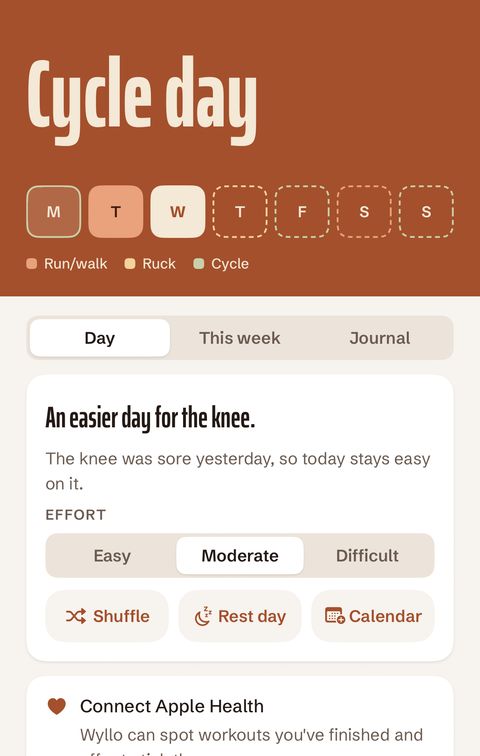
Wyllow's Day screen planning an easy cycle day because the knee was sore yesterday.
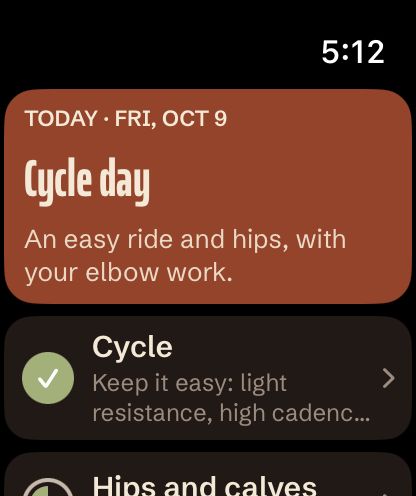
Wyllow on Apple Watch showing today's run/walk plan.

This week

A plan for every day

Pick the cardio you enjoy and how often you want to do it. Wyllow balances your run/walks, bike rides, swims, and other cardio activity along with strength and rehab across the week, making adjustments each day based on how you’re feeling.

All planning happens on your iPhone. No account, third-party services, or subscription required.
  • Run/walk
  • Cycle
  • Swim
  • Strength and rehab
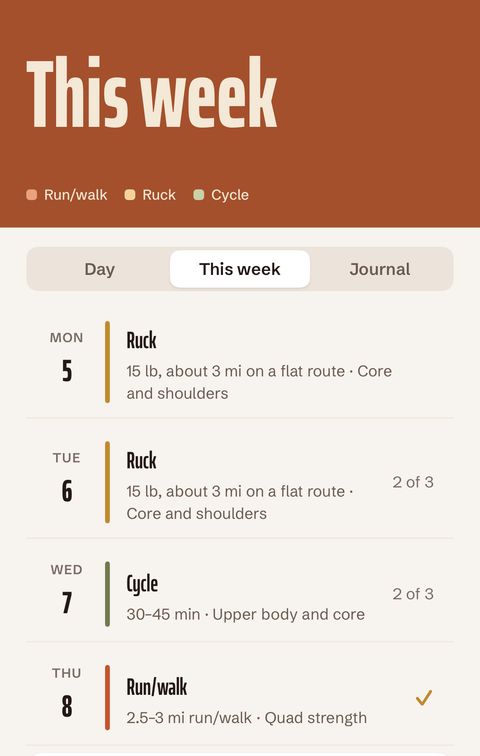
The This week screen with a planned activity for every day, Monday to Sunday.

Conditions and equipment

Built around your body and your kit

Tell Wyllow about a knee, elbow, shoulder, lower back, hip, Achilles, ankle or wrist condition, and it keeps the load off on sore days. It can also suggest rehab exercises for any condition you've added.

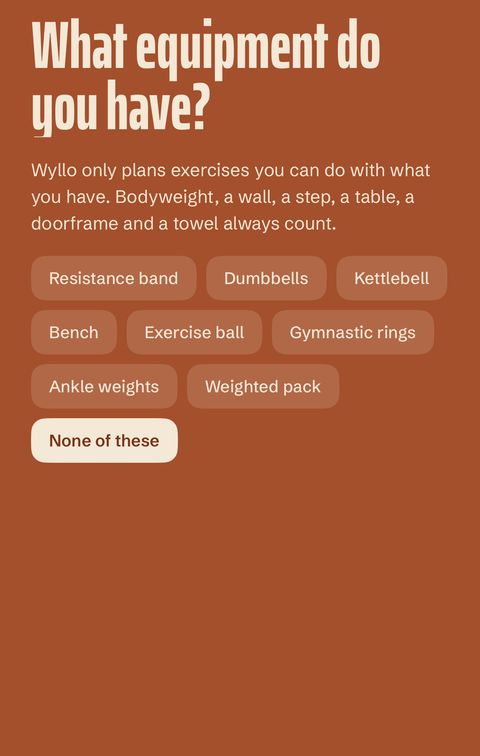
Only have a wall and a step? Wyllow only recommends exercises you have the equipment for. Start with nothing at all, or add bands, dumbbells, kettlebells or rings.

Onboarding asking which equipment you have, from resistance bands to gymnastic rings.

Physio programs

Your physio program, fully integrated

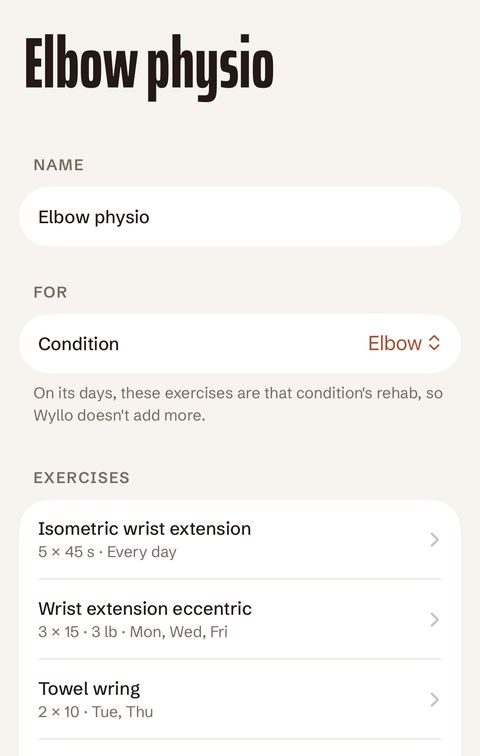
Add the program your physiotherapist or doctor gave you, with its sets, reps and days. Wyllow plans those exercises on the right days, never swaps or skips them, and makes sure everything else in the day complements them rather than competes.

A physio program for the elbow with three exercises, each with its dose and days.

When the knee is sore or you slept badly, Wyllow makes adjustments to tomorrow's plan.

How it went

Log how today went. Tomorrow adapts.

Tap anything that applies and see how Wyllow would plan Thursday.

Tomorrow · Thu, Oct 8

Run/walk day

Back to the plan.

Nothing to work around, so tomorrow follows your weekly targets.

  • Run/walk

    25 min, 2 min run / 1 min walk.

  • Upper body and core

    Rows, push-ups to a step, dead bugs.

Just an example. Your plan depends on your preferences, targets, and equipment.

Private and Secure

No account, tracking, subscription, ads, or in-app purchases

Wyllow does not require an account and there is no third-party tracking. Your daily plan and logs stay on your device and are synced via your private iCloud. Wyllow collects no data whatsoever.

Wyllow is also a single purchase: no subscription, no ads, no in-app purchases. Read the privacy statement.

$4.99

One-time purchase

  • No account
  • No ads
  • No tracking
  • No in-app purchases

Apple Watch

Train from your wrist

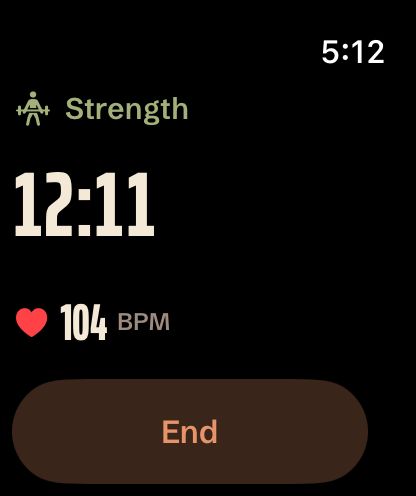
Start a cardio or strength workout on your Apple Watch to record your time and close your rings, and tick off exercises between sets. Everything syncs back to your iPhone and gets saved to Apple Health.

Apple Watch is completely optional, all features are available in the main app.

A strength workout on Apple Watch showing elapsed time and heart rate.
Wyllow on Apple Watch showing today's run/walk plan.

Change anything

Choose an Easy, Moderate or Difficult effort for today or tomorrow, or make it a rest day. Swap the cardio or an exercise, edit sets and reps, or shuffle the day's exercises. Once your plan is set, add it to your calendar.

  • Set the effort
  • Swap cardio
  • Swap exercise
  • Change reps
  • Take a rest day
  • Add to calendar

Start your new routine today.

Wyllow is in public beta on TestFlight for iPhone and iPad with native Apple Watch support. Install TestFlight, tap the button and you're in. Questions? Email [email protected].

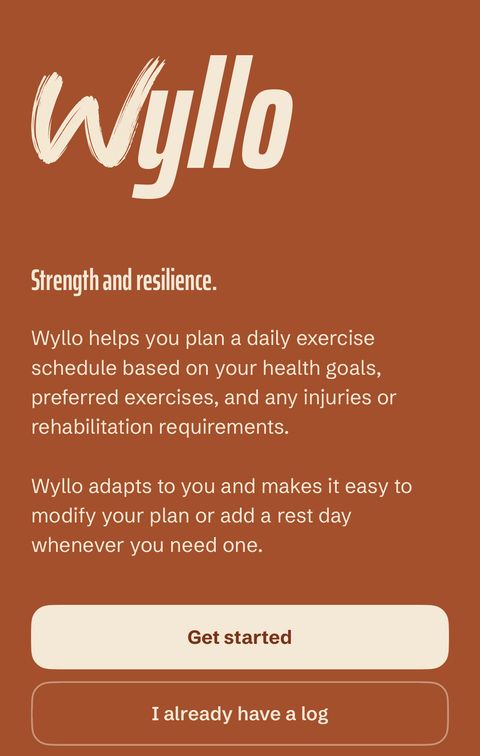
Wyllow's welcome screen.